Meeting assistant
The meeting assistant joins your online meeting. It records only after the host gives permission. After the meeting, the transcript is in Minine. The assistant supports Zoom meetings.
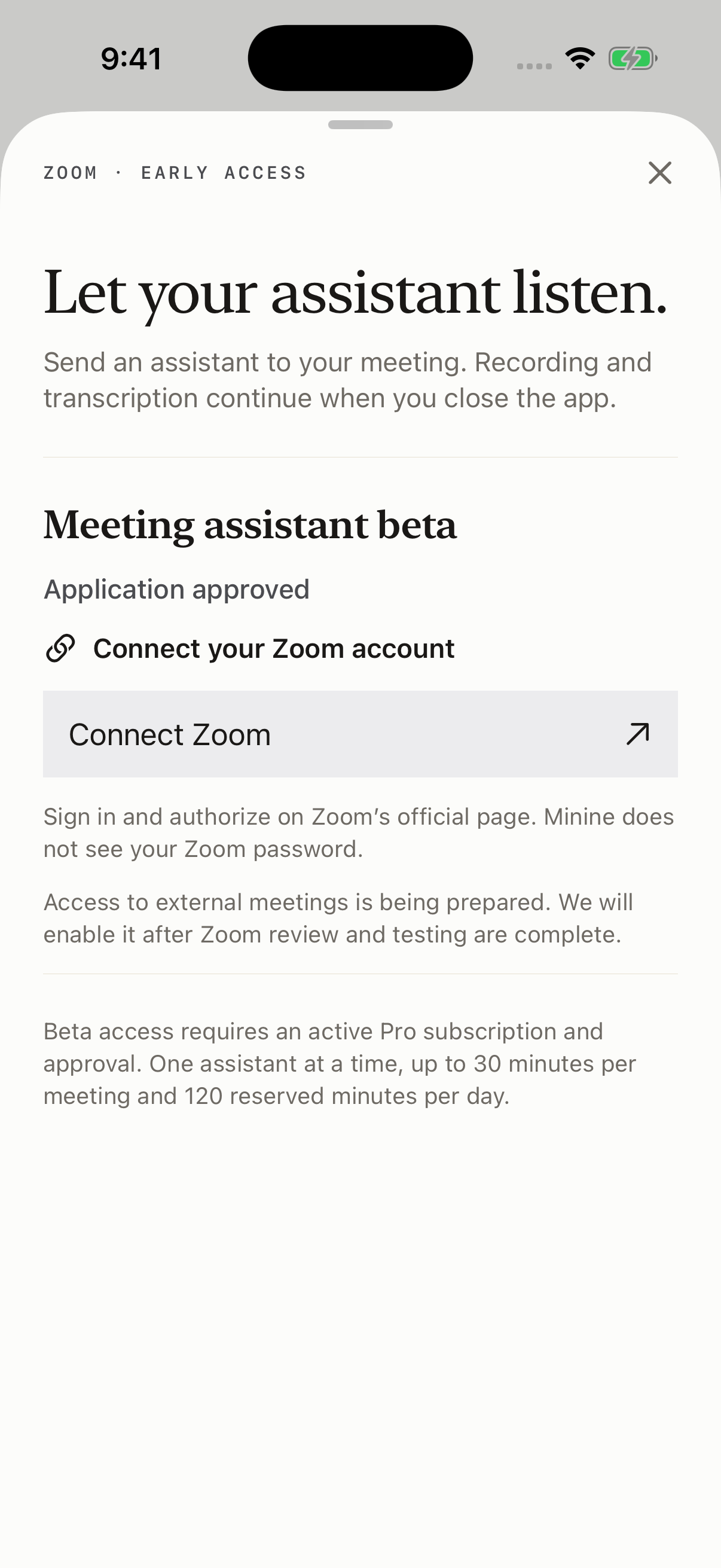
How to use the meeting assistant
Connect your account
Sign in to the web app or the iPhone app. Then connect your Zoom account on the Zoom authorization page.
Send the assistant
Join the meeting with your connected Zoom account. Then enter the meeting link and send the assistant.
Record with permission
The assistant starts to record only after the host gives permission. After the meeting, open the transcript in Minine.
All participants can see the assistant
The assistant joins as a participant and shows its name.
No recording without permission
If the host does not give permission, the assistant cannot record.
You must stay in the meeting
While the assistant is in the meeting, stay in the meeting with your connected account.
The full guide
The guide tells how to add, use, and remove the meeting assistant. It also tells what occurs to your data.