
Record meetings. Search the transcripts with your team.
Record on Windows, Mac, iPhone, Android, or in your browser. Minine puts all transcripts in one library that your team shares.
Available forWindowsMaciPhone and iPadAndroidWeb


Tap the video to play it.
A waveform moves with the speech. Three sentences appear, phrase by phrase. Words show in light grey first. When Minine confirms a word, it changes to dark grey. Then the waveform stops and timestamps appear. The full transcript stays on the screen. Then the video starts again. The video has no sound.
The video did not load. This page also describes the features.
Tap the video to play it.
The Standard engine starts to record. The timer and the waveform move. Live text appears in short phrases. The newest lines stay on the screen. The video has no sound.
The video did not load. This page also describes the features.
Tap the video to play it.
A Pro transcript shows the labels Alex and Jamie. The user selects Generate summary. A progress state appears. Then an overview and key points appear. The video has no sound.
The video did not load. This page also describes the features.
Tap the video to play it.
The reading mode changes from Original to Bilingual. Chinese translations appear below the English text. Then the Translated mode shows only the translation. The video has no sound.
The video did not load. This page also describes the features.
Use the sample meeting
Play the recording, search the transcript, or show one speaker. You can also change to the bilingual view. All Minine apps use this library.
Oct 6, 10:00
Weekly sync: user testing
0:12 / 18:42
Alex
This week is about user testing. Let’s agree on which flows we test first.
Jamie
Recording and finding old recordings, for sure. Most feedback last time was about not finding earlier recordings.
Priya
Then let’s book five people, forty minutes each, and finish before Thursday.
Alex
Works for me. Who’s preparing the test script?
Jamie
I’ll do it and share it in the group by Tuesday.
Priya
After the sessions I’ll write a feedback recap and share it on Friday.
Alex
Good. Put every test recording in the product team library so everyone can listen back.
Available on all your devices
Windows, Mac, iPhone, Android, and the web app use one account and one library.
Windows
Record online meetings on your PC and show live captions.
DetailsMac
Record online meetings on your Mac and show live captions.
Details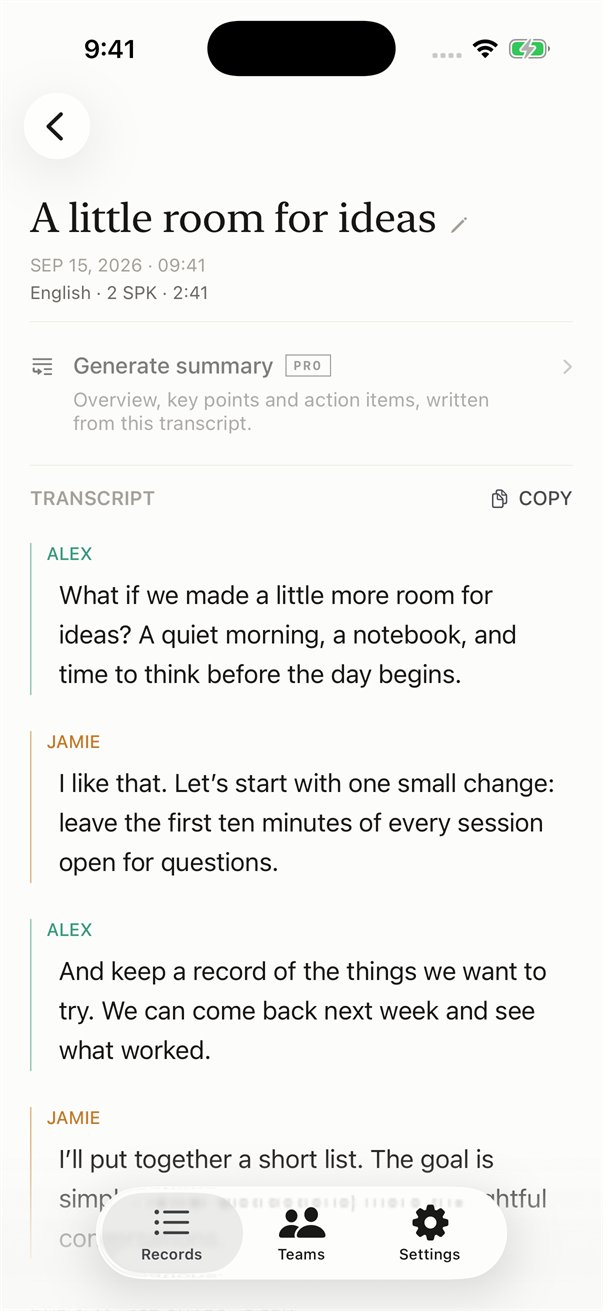
iPhone and iPad
The transcript shows while you speak.
Details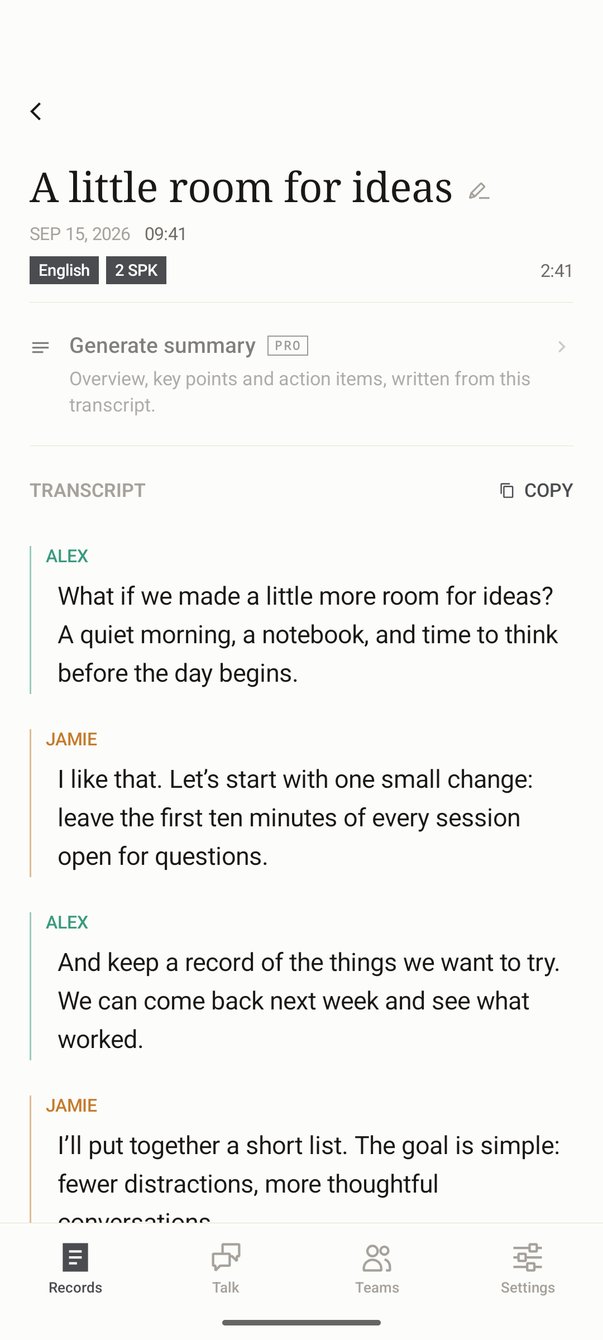
Android
The transcript shows while you speak.
Details
Web
Open the web app in your browser. You do not have to install it.
DetailsRecording sources
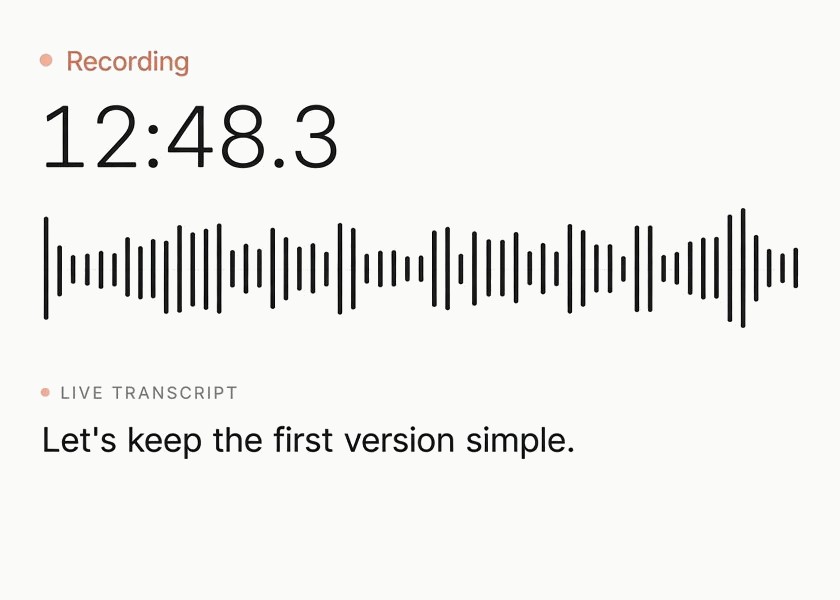
Phone
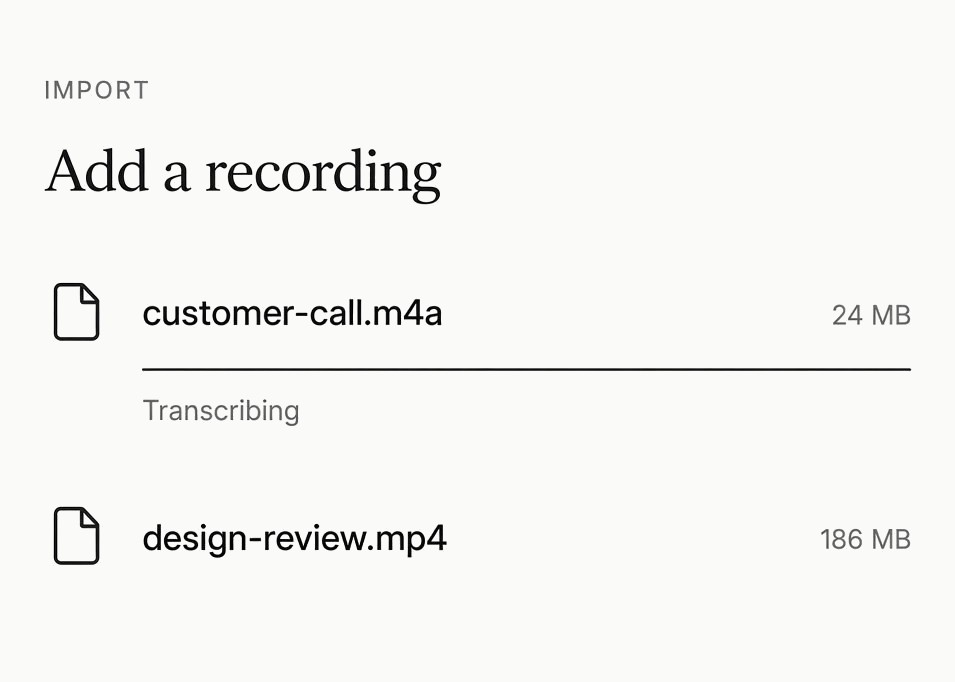
Files
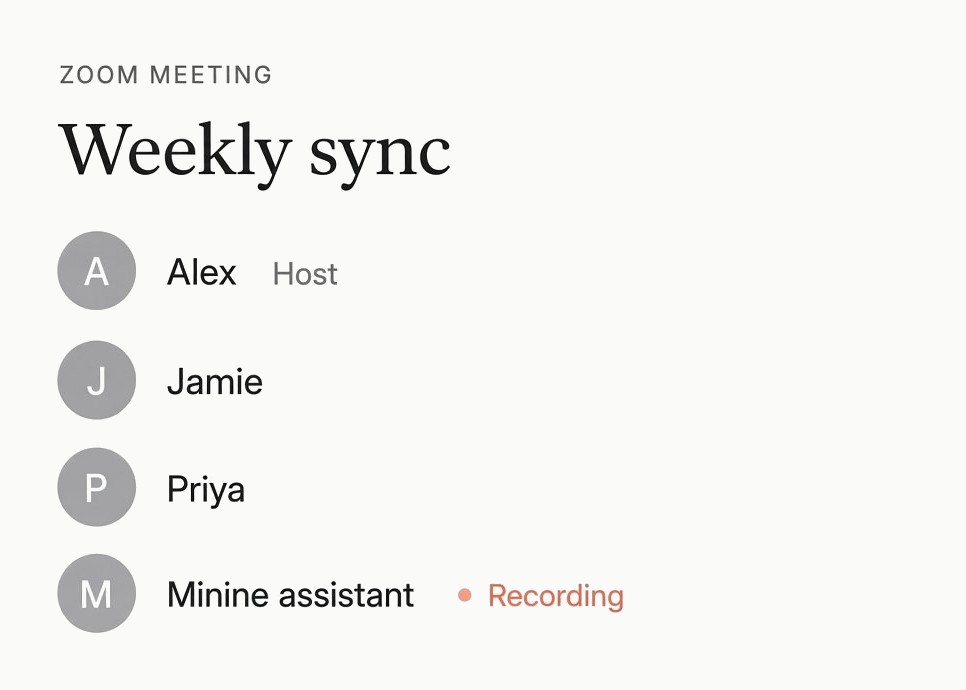
Meeting assistantLimited test
Export the transcript
Alex: This week is about user testing. Let’s agree on which flows we test first.Jamie: Recording and finding old recordings, for sure. Most feedback last time was about not finding earlier recordings.Priya: Then let’s book five people, forty minutes each, and finish before Thursday.Alex: Works for me. Who’s preparing the test script?Jamie: I’ll do it and share it in the group by Tuesday.Priya: After the sessions I’ll write a feedback recap and share it on Friday.Alex: Good. Put every test recording in the product team library so everyone can listen back.